

Fiber Spectrometer

User Interface
Software Features
Transmition Mode、Reflex Mode、Radia Mode、Spectrometer Only
Algorithms: Measurement of Transmittance, Reflectance, Absorbance, Color Parameters, and Radiometric Parameters
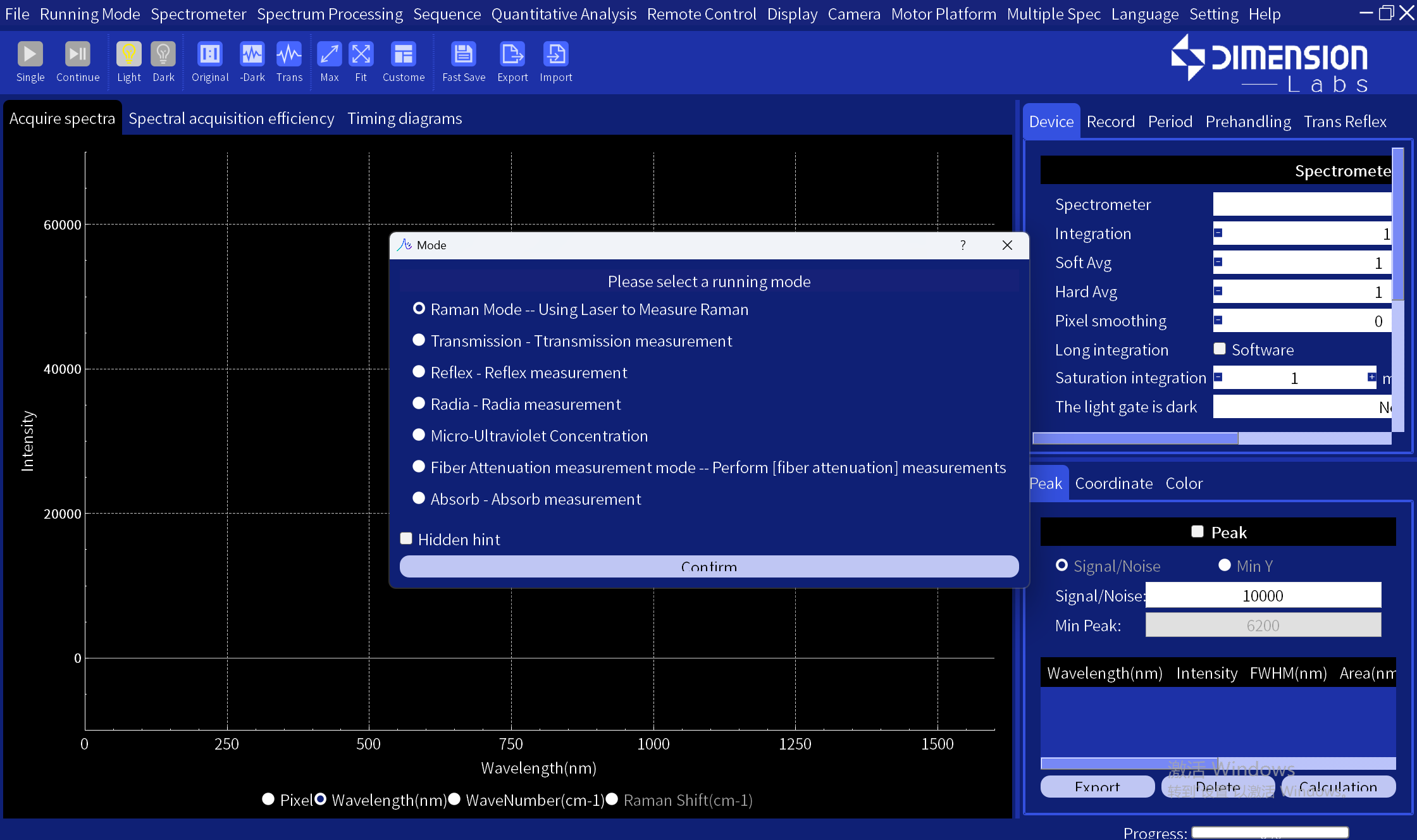
• Peak Labeling Function:
Peak labeling can be performed based on signal-to-noise ratio (SNR) or minimum peak Y-value.
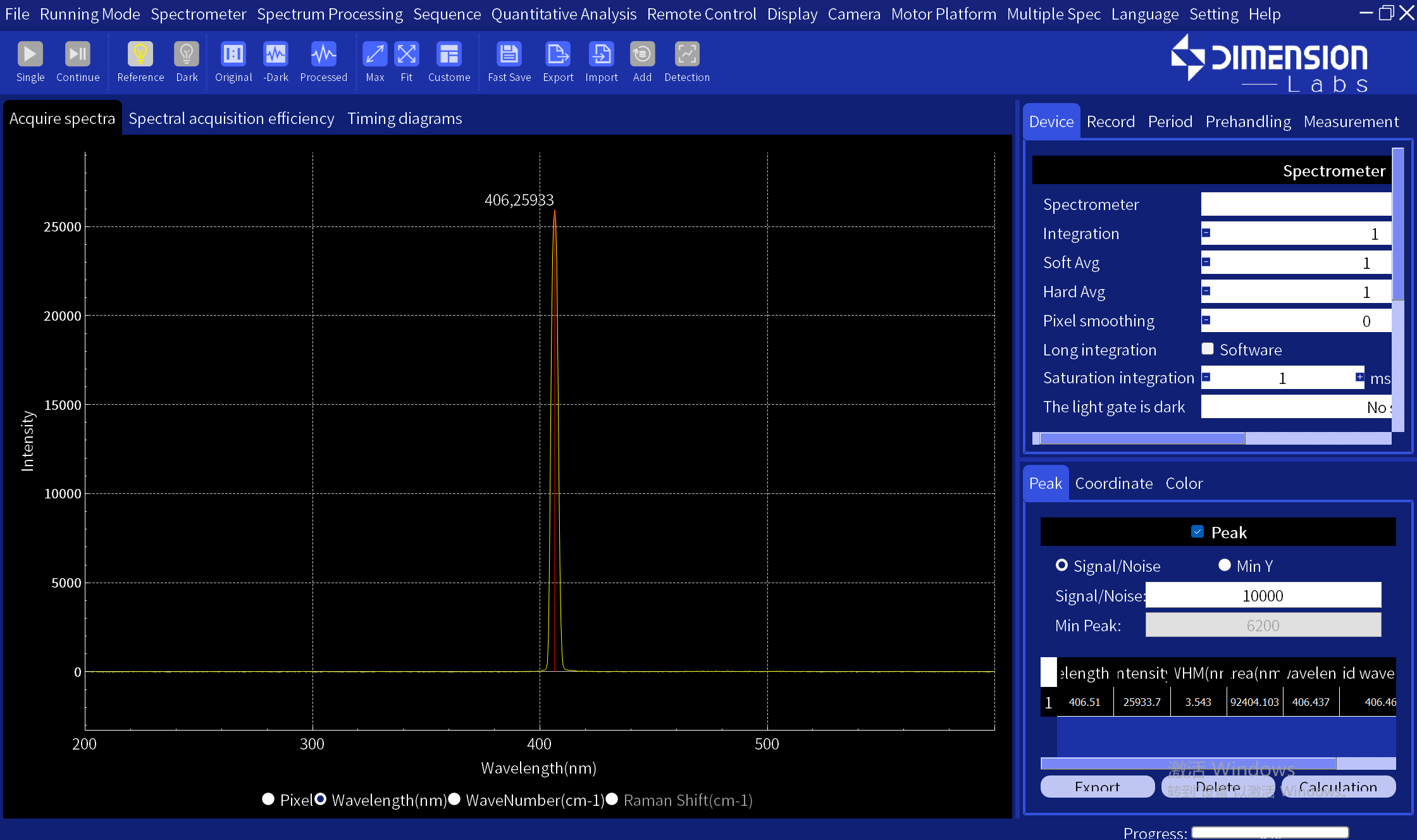
•Supports Multi-Spectrometer Mode:
Sends external trigger signals for simultaneous acquisition across multiple units;Receives external trigger signals for simultaneous acquisition across multiple units;Sequential acquisition across multiple units
•Supports External Trigger Acquisition Modes: External Trigger Mode, Asynchronous Reset External Trigger Mode
• Adaptive display of the spectral interface, optimizing presentation based on the horizontal and vertical coordinates of the spectrum.

• Automatic Integration Time
• User Wavelength Calibration
• User-Selectable Graph Line Colors and Shapes
• Y-Axis Normalization
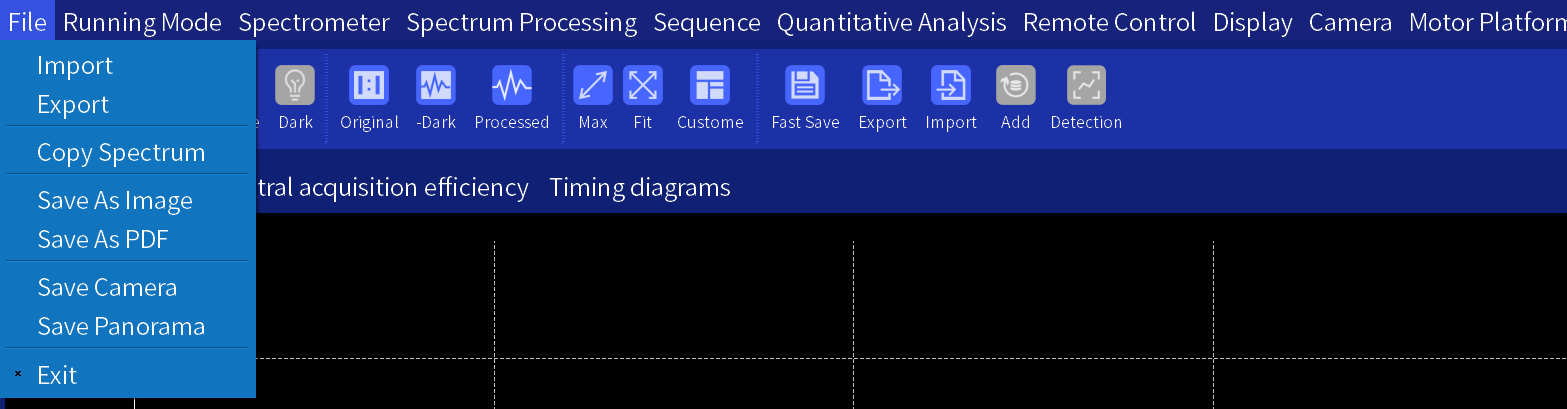
• Supports importing spectral data, exporting spectral data, copying spectral data, saving spectra as images, and saving spectra as PDFs
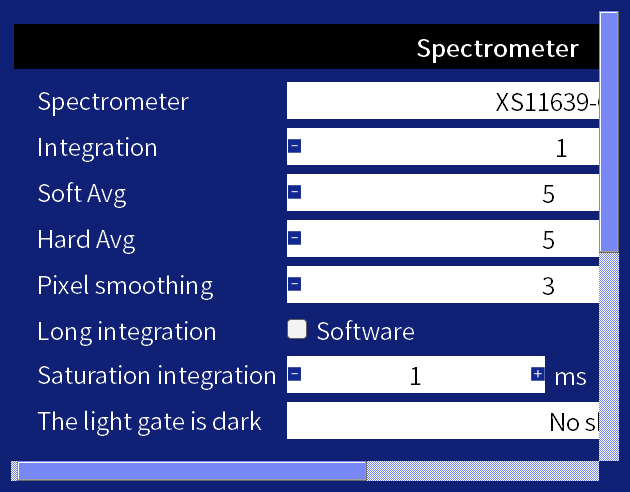
Adjustable Parameters:
• Integration Time
• Software Averaging Count, Hardware Averaging Count
• Pixel Smoothing Count
•
• Adjust display ranges of the horizontal and vertical axes, with custom and adaptive display modes
• Trigger Modes: Internal, External, Continuous, Single-Shot Trigger
• Horizontal Axis Display Modes: Pixel, Wavelength, Wavenumber, Raman Shift